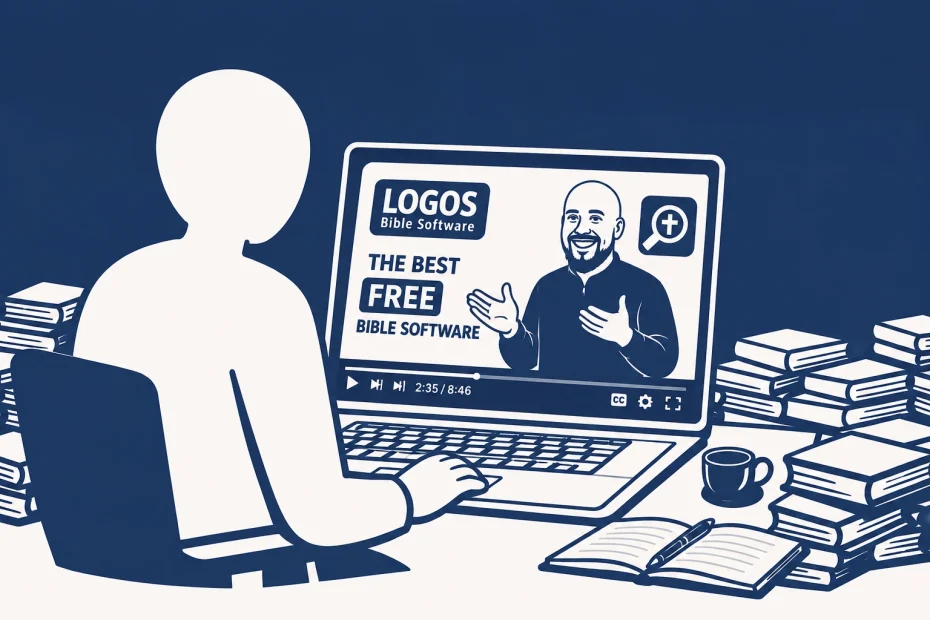
Logos Bible Software is often seen as expensive or overwhelming, but what many people don’t realize is that the free version—Logos Basic—already provides a powerful, professional Bible study environment.
If you know how to use it correctly, you can do serious theological study without spending anything.
This guide collects one of the clearest beginner training series available online. Instead of reinventing the wheel, I’ve curated a structured learning path based on an excellent video series by John C. Richards Jr. from The Better Bible Study.
👉 If you’re completely new to Logos, follow this guide in order. It will take you from installation to confident daily Bible study using only free tools.
🎓 Complete Beginner Training Series for Logos (Free Version)
This series is structured step-by-step so you can move from setup → daily usage → deeper Bible study workflows.
Each section below includes a video and a short explanation of what you’ll gain from it.
Get Logos for Free
Before you begin, make sure you have access to Logos Basic (the free version of Logos Bible Software).
The videos in this guide are relatively recent, but Logos has updated its website in the meantime. As a result, the free version is no longer primarily accessed through the main homepage.
Instead, you can sign up directly via the official Logos Basic free page here:
⚠️ Important note about the free version
The Logos Basic package is updated from time to time, and the exact selection of free books and resources may vary depending on when you sign up.
This means that the specific resources shown in the videos might not always match exactly what you see in your account today.
However, this does not affect how Logos is used. The structure, tools, and workflows demonstrated in this guide remain the same.
If certain resources are no longer available, Logos typically provides similar alternatives, so you will still have everything you need to follow along with the training.
1. Getting Started: 70 Free Resources
What you will learn
How to install Logos Bible Software and immediately access over 70 free biblical resources.
Why this matters
Most users are unaware of how much is already included in the free version. This step helps remove the misconception that Logos is unusable without purchasing expensive packages.
While the exact selection of free resources may change over time and may not match the video exactly, the overall experience and core access remain very similar. Many of the key free resources are also consistently available for long periods.
Outcome
You will have a fully working Bible study library with essential translations and reference tools ready to use.
2. Mastering Your Home Page
What you will learn
How to turn the Logos home screen into a personalized Bible study dashboard.
Why this matters
Without customization, Logos can feel overwhelming. A properly set home page turns it into a daily spiritual workflow instead of a cluttered tool.
Outcome
You’ll be able to:
- set up reading plans
- organize devotionals
- create a daily study rhythm
3. Power Searching (Better Than Google)
What you will learn
How to use Logos search tools to quickly find Bible verses, themes, people, and cross-references.
Why this matters
Instead of relying on Google or manual searching, Logos allows you to find precise biblical connections instantly.
Outcome
You’ll be able to:
- search biblical topics efficiently
- compare passages
- find thematic connections across Scripture
4. Unlocking the Factbook
What you will learn
How to use the Factbook as a central research hub for biblical people, places, and themes.
Why this matters
Instead of opening multiple dictionaries and encyclopedias, Factbook gathers everything into one place.
Outcome
You will gain quick access to:
- historical background
- theological context
- cross-referenced materials
5. The Magic of Passage Lists
What you will learn
How to turn external Bible references (from articles or notes) into structured, clickable passage lists.
Why this matters
This bridges the gap between reading content online and studying Scripture directly in Logos.
Outcome
You can instantly convert study material into organized Bible study lists.
6. The Passage Guide (Deep Study Workflow)
What you will learn
How to use Logos’ Passage Guide to automatically gather commentaries, cross-references, and theological insights.
Why this matters
Instead of manually searching resources, Logos builds a complete study environment for any verse.
Outcome
You can perform structured, in-depth Bible study on any passage within minutes.
7. The Topic Guide
What you will learn
How to study biblical themes like “Kingdom of God,” “Grace,” or “Exodus” using integrated resources.
Why this matters
Biblical understanding is not only verse-based but also theme-based. This tool connects doctrine and narrative.
Outcome
You will be able to explore theological themes with clarity and structure.
👉 Optional: Growing Your Logos Library Over Time
Even if you start with Logos Basic, it’s worth knowing that Logos regularly offers free resources, including books, study tools, and occasionally even high-quality commentary series.
The selection varies—some months include basic introductions, while other times genuinely valuable academic or pastoral resources are made available for free.
Because of this, it can be helpful to:
- bookmark the official Logos free book page
- check it at the beginning and middle of each month
Over time, this alone can quietly expand your library without any cost.
If you want to build your library more strategically
If you want to go beyond occasional free resources and build your Logos library more intentionally—especially when major discounts, bundles, or limited-time offers appear—it can be helpful to use tools that track pricing and value over time.
One example is DealRadar, a tool focused on identifying strong Logos deals based on real pricing patterns and historical discounts.
It helps you:
- spot significant price drops
- identify genuinely high-value bundles
- avoid overpaying when expanding your library
For ongoing updates, there is also an optional newsletter that highlights current best-value deals and relevant coupon opportunities when they appear.