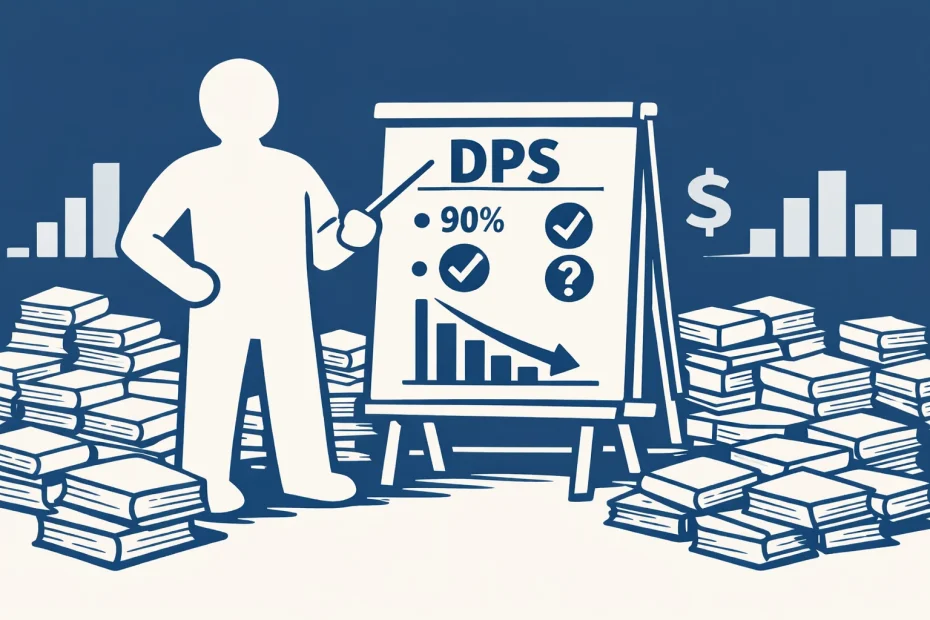
Logos Dynamic Pricing is one of the best parts of the platform: you do not pay twice for resources you already own. In principle, that sounds simple. In practice, it is more complex, and that is exactly why Logos Price Tool shows Dynamic Pricing Strength (DPS) for every product.
DPS helps you compare how strong a collection discount really is. For example, a DPS of 90% means the collection price is about 90% lower than the individual-price baseline used for that product.
The First Challenge: Collection Value Is Not Always Exact
At first glance, calculating DPS seems straightforward: just compare the current price to the Logos Collection Value (LCV).
Often, LCV is close to the real sum of included resources. But not always. Sometimes it is higher, sometimes lower. Because of that, comparisons between products can become misleading.
To improve this, Logos Price Tool also calculates a Calculated Collection Value from included resources and uses trust logic to decide which basis to use for DPS.
DPS Trust Symbols
Next to DPS, you will see a symbol that shows how reliable the DPS basis is:
Based on Logos Collection Value (LCV)
Based on included resources (partial, but higher than LCV)
Based on included resources (unclear if complete)
Based on included resources, but lower than LCV
Based on included resources (all accounted for)
This lets you see not only the DPS number, but also how confident the tool is about the value behind it.
The Second Challenge: Not Every Volume Is Discounted Equally
It seems logical to assume that if a collection has high DPS, every included volume gets reduced equally. Sometimes that is true. But not always.
In reality, different resources can carry different dynamic-pricing weight. One volume may effectively be reduced more than another. Publisher agreements, product type, and newer vs. older volumes can all affect this.
That is why two collections with similar headline DPS can behave differently when you already own part of the content.
What “Logos Math” Means
“Logos Math” is the effect where buying in steps can be cheaper than buying a large bundle directly.
Example pattern:
Buy a smaller collection first, then upgrade to the bigger one.
This can reduce total cost, but it is not guaranteed. It depends on how dynamic pricing is weighted across the included products.
How Logos Price Tool Signals Step-Buy Opportunities
To make this easier, the tool uses deal labels such as:
- Probably cheaper when bought in steps
- Maybe cheaper when bought in steps
“Probably” indicates a stronger DPS advantage. “Maybe” indicates potential, but with lower confidence. This helps you decide whether testing a step-buy is worth your time.
Practical Use
If the purchase is expensive, you can test step-buying: buy the first product, check how much the target bundle drops, and compare that drop to what you paid. If the math does not work, you have to option to return within 30 days via Logos Support.
For smaller purchases, the extra effort to try and than return if actually more expensive than bought directly might not be worth the effort.
But for larger purchases, it sometimes can save hundreds of dollars.
These same DPS-based deal suggestions are also available in the Browser Extension.